Skip to content

jamzDOTnet

  • About
    • About
    • Contact
    • jamzDOTnet sponsors
    • Social
      • YouTube
      • Instagram
      • X
      • TikTok
      • BlueSky
      • LinkedIn
      • Facebook
    • jamzDOTnet contest rules
    • Cookie Policy
    • Terms and Conditions
  • MCAA
  • Jason and Jack’s
  • Cars
    • Land Rovers
      • Rover Collection
      • Sell your Rover
      • Land Rover Blog Posts
      • Steering column reset button
    • Auto Collection
    • Automobilia
    • Tractors
  • Shop
    • MERCH and MORE!
    • Discount Codes
    • YouTube Membership
  • YouTube
    • jamzDOTnet
    • Hey It’s Jason
  • Rover Exchange
  • Maryland Rovers
Posted in
  • Land Rover

Service reminder 2016 Range Rover Sport
by Jason Miller•November 13, 2022September 11, 2022
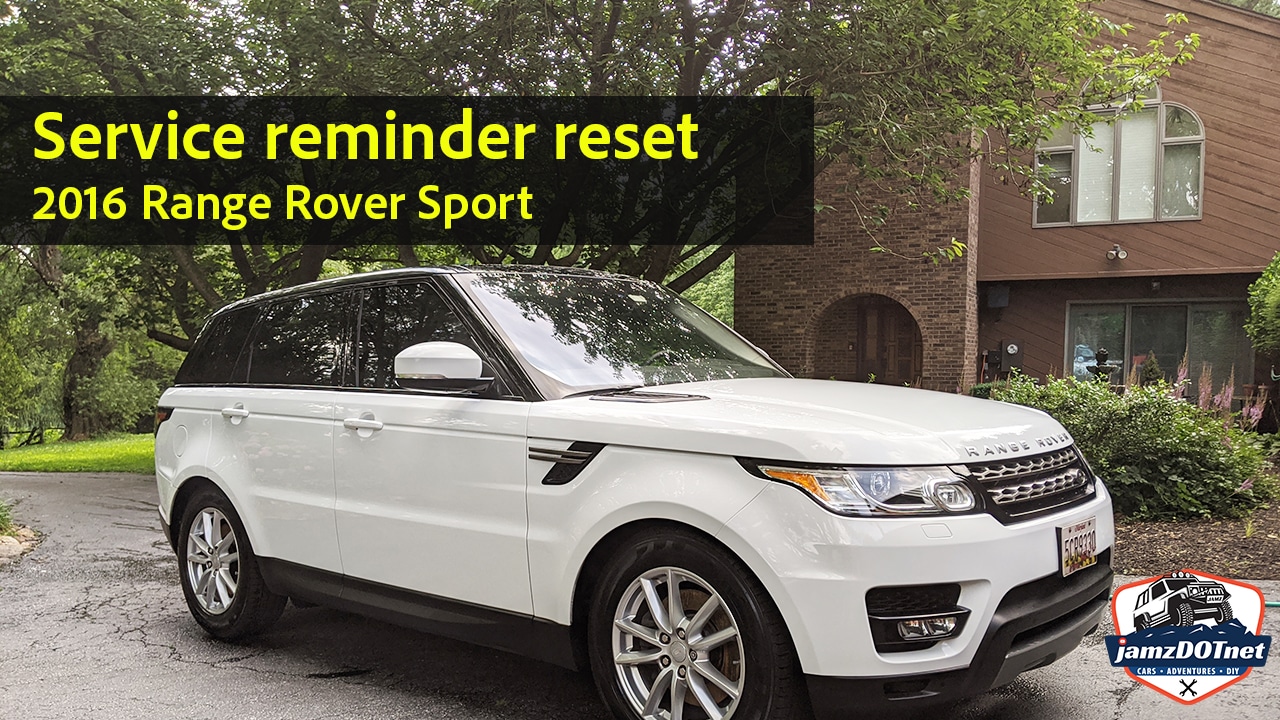
Service reminder reset on a 2016 Range Rover Sport

Follow along as I show the simple procedure to reset the “service reminder” message on a 2016 Land Rover Range Rover Sport. The process: ignition on, door open, hood open, press and hold the accelerator and the brake pedal.

TaggedService Reminder
Jason Miller

jamzDOTnet - Cars, DIY, and Adventures!

More by Jason Miller

Post navigation

Previous Article Previous article:
I picked up the 1930’s wooden beer crates
Next Article Next article:
Chasing a 1995 Chevrolet G30 Work Van – do I buy it?
Copyright © 2026 jamzDOTnet.
Powered by WordPress and HybridMag.
  • About
    • About
    • Contact
    • jamzDOTnet sponsors
    • Social
      • YouTube
      • Instagram
      • X
      • TikTok
      • BlueSky
      • LinkedIn
      • Facebook
    • jamzDOTnet contest rules
    • Cookie Policy
    • Terms and Conditions
  • MCAA
  • Jason and Jack’s
  • Cars
    • Land Rovers
      • Rover Collection
      • Sell your Rover
      • Land Rover Blog Posts
      • Steering column reset button
    • Auto Collection
    • Automobilia
    • Tractors
  • Shop
    • MERCH and MORE!
    • Discount Codes
    • YouTube Membership
  • YouTube
    • jamzDOTnet
    • Hey It’s Jason
  • Rover Exchange
  • Maryland Rovers
Manage Cookie Consent
To provide the best experiences, we use technologies like cookies to store and/or access device information. Consenting to these technologies will allow us to process data such as browsing behavior or unique IDs on this site. Not consenting or withdrawing consent, may adversely affect certain features and functions.
Functional Always active
The technical storage or access is strictly necessary for the legitimate purpose of enabling the use of a specific service explicitly requested by the subscriber or user, or for the sole purpose of carrying out the transmission of a communication over an electronic communications network.
Preferences
The technical storage or access is necessary for the legitimate purpose of storing preferences that are not requested by the subscriber or user.
Statistics
The technical storage or access that is used exclusively for statistical purposes. The technical storage or access that is used exclusively for anonymous statistical purposes. Without a subpoena, voluntary compliance on the part of your Internet Service Provider, or additional records from a third party, information stored or retrieved for this purpose alone cannot usually be used to identify you.
Marketing
The technical storage or access is required to create user profiles to send advertising, or to track the user on a website or across several websites for similar marketing purposes.
  • Manage options
  • Manage services
  • Manage {vendor_count} vendors
  • Read more about these purposes
View preferences
  • {title}
  • {title}
  • {title}