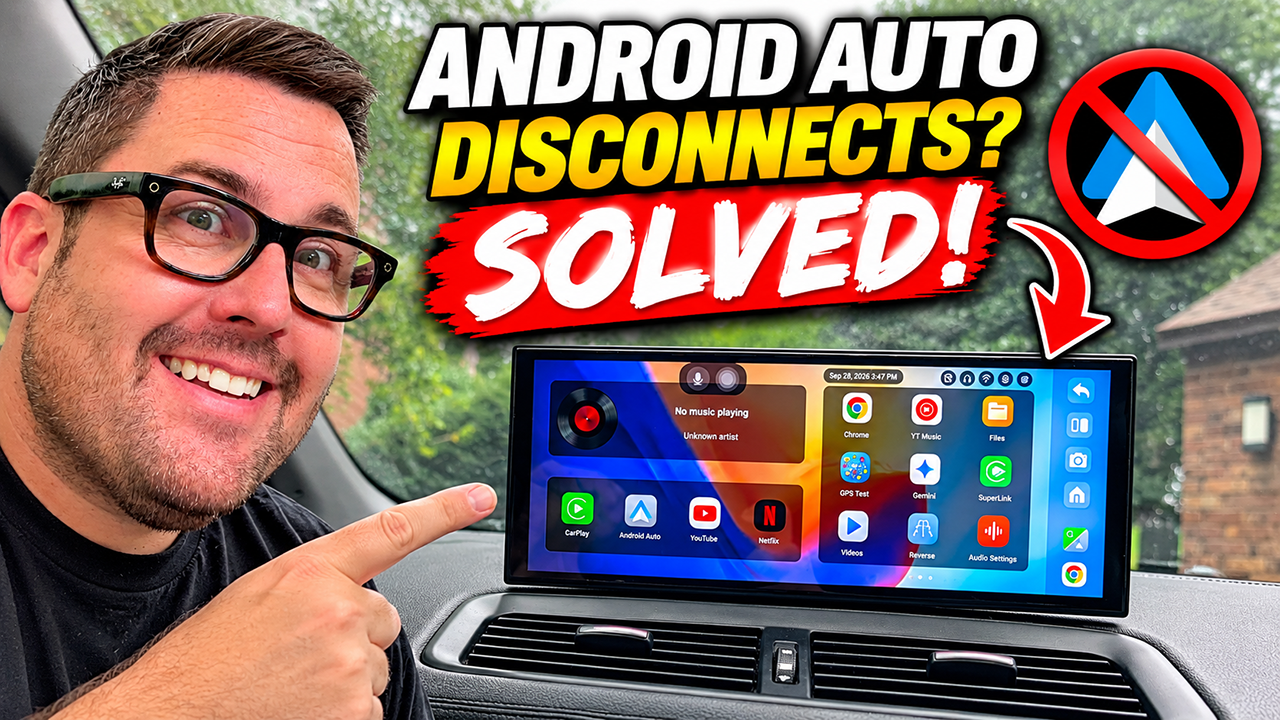
Want Apple CarPlay or Android Auto in an older car without replacing the radio or tearing apart the dashboard? The Ottocast Ottoscreen AI might be one of the easiest ways to do it.
In this video, I unbox the Ottoscreen AI, install it, walk through the setup process, and put its biggest features to the test. The idea is simple: add a modern touchscreen, Wireless Apple CarPlay, Wireless Android Auto, apps, navigation, entertainment, and more to virtually any vehicle in just minutes.
But this isn’t just another basic portable CarPlay screen.
The Ottoscreen AI features an 11.4-inch widescreen display and runs Android 15 with an 8-core processor, 4GB of RAM, and 32GB of storage. That extra computing power allows it to do some pretty impressive multitasking, including split-screen operation.
That means you can have navigation running on one side while using another app on the other. It can also operate independently using Wi-Fi, download apps, and includes an AI assistant.
In this video:
- Ottocast Ottoscreen AI unboxing
- Installation and setup
- Wireless Apple CarPlay
- Wireless Android Auto
- Split-screen multitasking
- Android 15 interface
- Apps and entertainment
- Audio connection options
- Real-world impressions
- Is it actually worth it?
For older cars without a modern infotainment system, this could be a seriously easy upgrade.
Learn more about the Ottocast Ottoscreen AI: https://www.ottocast.com/products/ottocast-mirror-touch?ref=RINGEDRHINOCEROS
Use that link and/or code JAMZ30 for 30% off!
