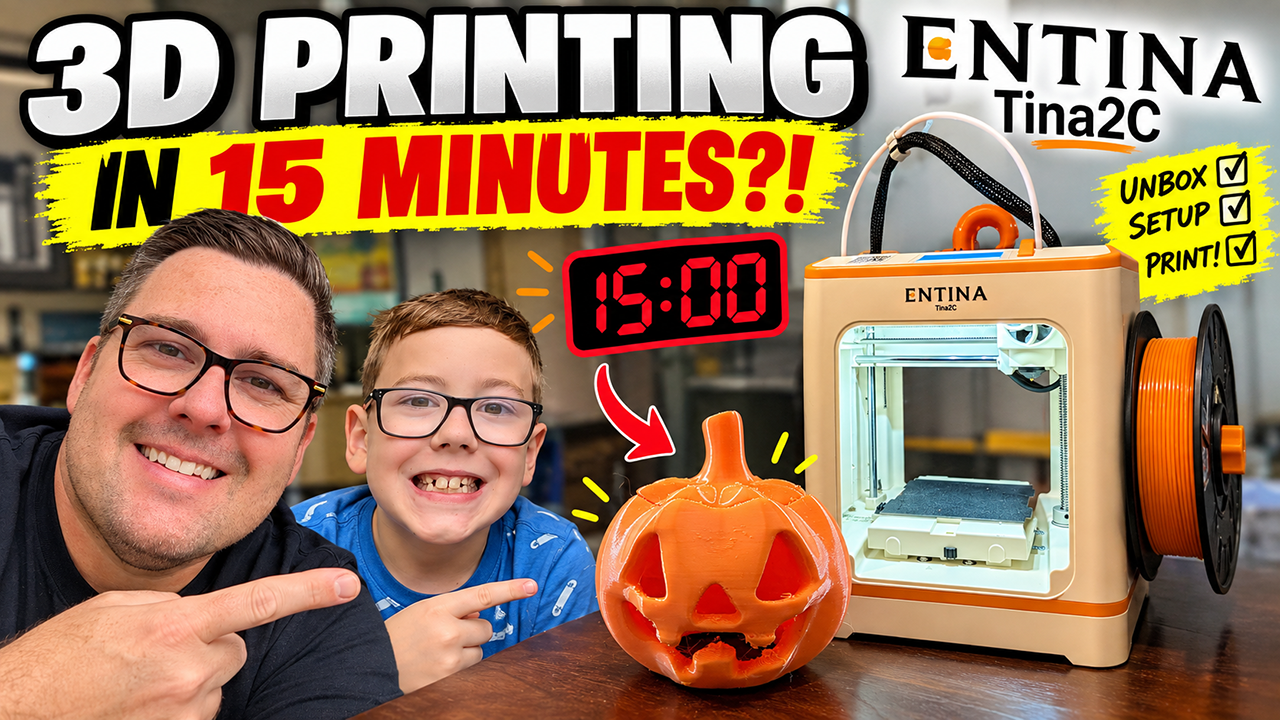
Can a dad and son go from opening the box to actually 3D PRINTING in just 15 minutes? We’re putting the Entina Tina2C to the test!
In this video, Jack and I unbox the Entina Tina2C, set it up from scratch, load the filament, connect everything, and see how quickly two complete beginners can get our first 3D print started.
The Tina2C is designed as a beginner-friendly 3D printer for kids, families, classrooms, and anyone getting started with 3D printing. It comes fully assembled and features automatic bed leveling, Wi-Fi and app control, a flexible spring-steel build plate, and support for standard 1.75mm PLA and TPU filament.
But how easy is it REALLY?
⏱️ THE CHALLENGE: From sealed box to our first 3D print in 15 minutes.
Watch to see if we make it!
We’ll cover:
- Entina Tina2C unboxing
- What’s included in the box
- First-time setup
- Loading the filament
- Auto bed leveling
- Connecting the printer and app
- Choosing our first 3D model
- Starting our first print
- Whether a kid and parent can really get started in 15 minutes
- Our first impressions of the Tina2C
The Tina2C has a compact 100 x 100 x 100mm build area and is specifically designed to make getting into 3D printing less intimidating for beginners. This is our real-world test to see whether it delivers.
If you’ve been considering getting into 3D printing or looking for a beginner-friendly 3D printer for your kids or family, hopefully our experience helps!
Buy it here:
https://amzn.to/4y6F2TU
