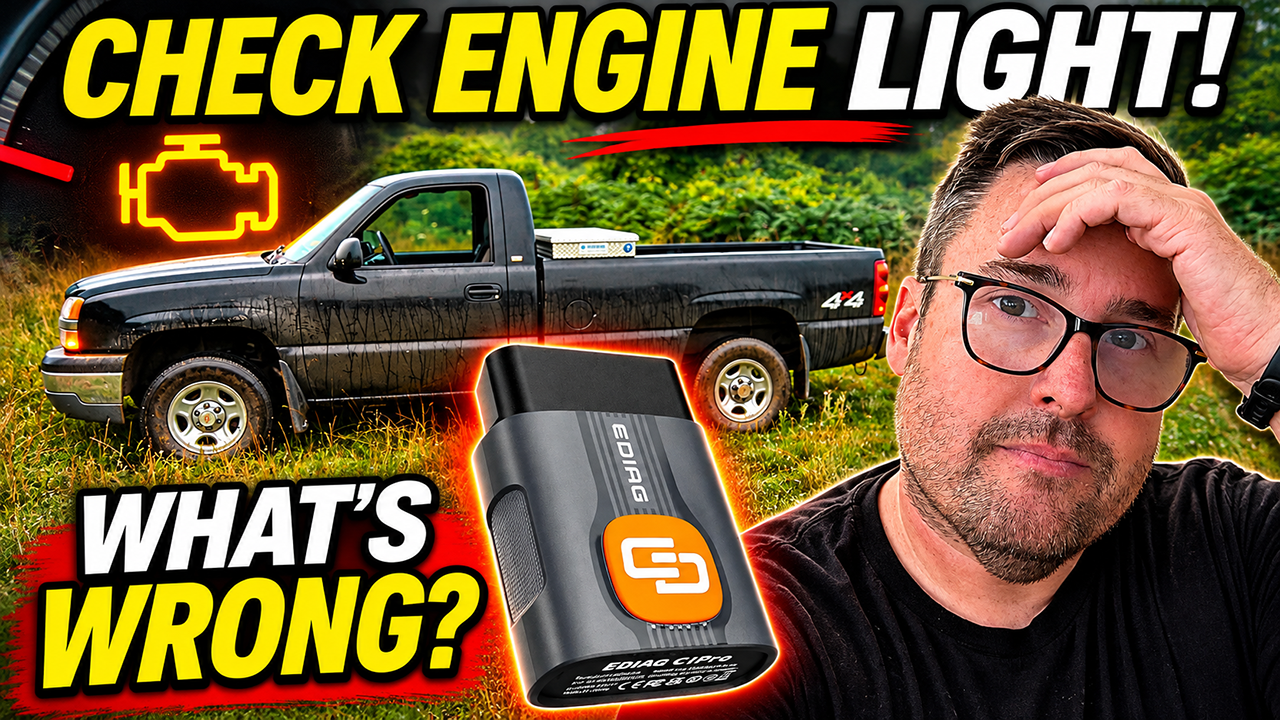
My 2003 Chevy Silverado, bought new and now at 279,004 miles, has its check engine light on again. In this video I unbox the EDIAG C1 Pro Bluetooth OBD2 scanner, set up the EliteDiag app on my phone, plug it into the truck, run a full system scan, find the trouble code, and clear it.
What happened:
- The app made me create an account (my verification code went to spam), activate the scanner, and download the Chevrolet software.
- The VIN scan correctly found my 2003 Chevrolet Silverado, but the app kept getting stuck on “loading” until I unplugged the scanner and plugged it back in.
- The full system scan found 1 fault code in the powertrain system: P0446, Evaporative Emission (EVAP) Vent System Performance. That’s the EVAP issue I expected.
- I cleared it with Clear DTCs (it clears all codes, not just one), and the check engine light went off.
- My honest take: it did the job, but the app was slow and not very responsive on my phone. I’ll probably keep it in one of my vehicles as a backup.
Specs and features:
- Model: EDIAG C1 Pro, Bluetooth 5.3, powered by the OBD2 port
- Works with Android 5.0+ and iOS 9.0+, and most US OBD2 vehicles from 1996 on
- Full-system diagnostics (engine, transmission, ABS, SRS, A/C) with AI guidance in reports
- Bidirectional control / active tests, live data with graphs
- 15 maintenance resets (oil, EPB, ABS bleeding, BMS, DPF, TPMS and more)
- No software fees or in-app purchases, free lifetime updates
- 2.5 x 0.91 x 1.81 in, 1-year warranty
- Price at time of editing: $71.49 (list $109.99)
Get the EDIAG C1 Pro here: https://link.amazon/B0aj0hCTj
CHAPTERS
0:00 My Silverado and its check engine light
1:05 Unboxing the EDIAG C1 Pro
1:36 Features
2:37 App setup and login
3:54 Plugging in and pairing
4:42 VIN scan and loading issues
6:18 Full system scan
8:18 The code: P0446
8:56 Clearing the code
10:51 The verdict
